Learn to read and type runes.
Start with the 24 Elder Futhark runes. Learn a few, try a quiz, and look for them in real inscriptions.
Futhark Pro is not available on the App Store yet. You can try the quiz here for free.
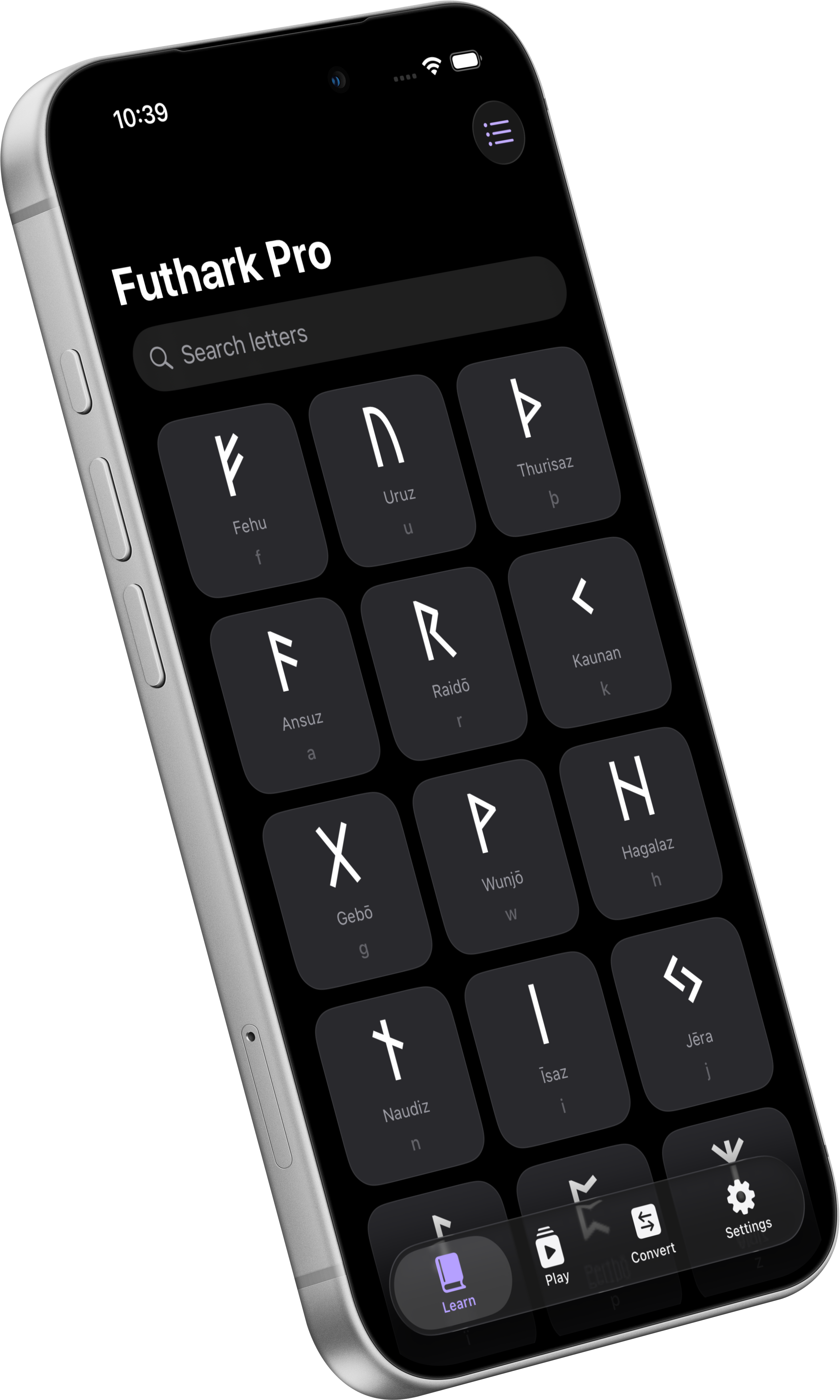
Start with the 24 Elder Futhark runes. Learn a few, try a quiz, and look for them in real inscriptions.
Futhark Pro is not available on the App Store yet. You can try the quiz here for free.
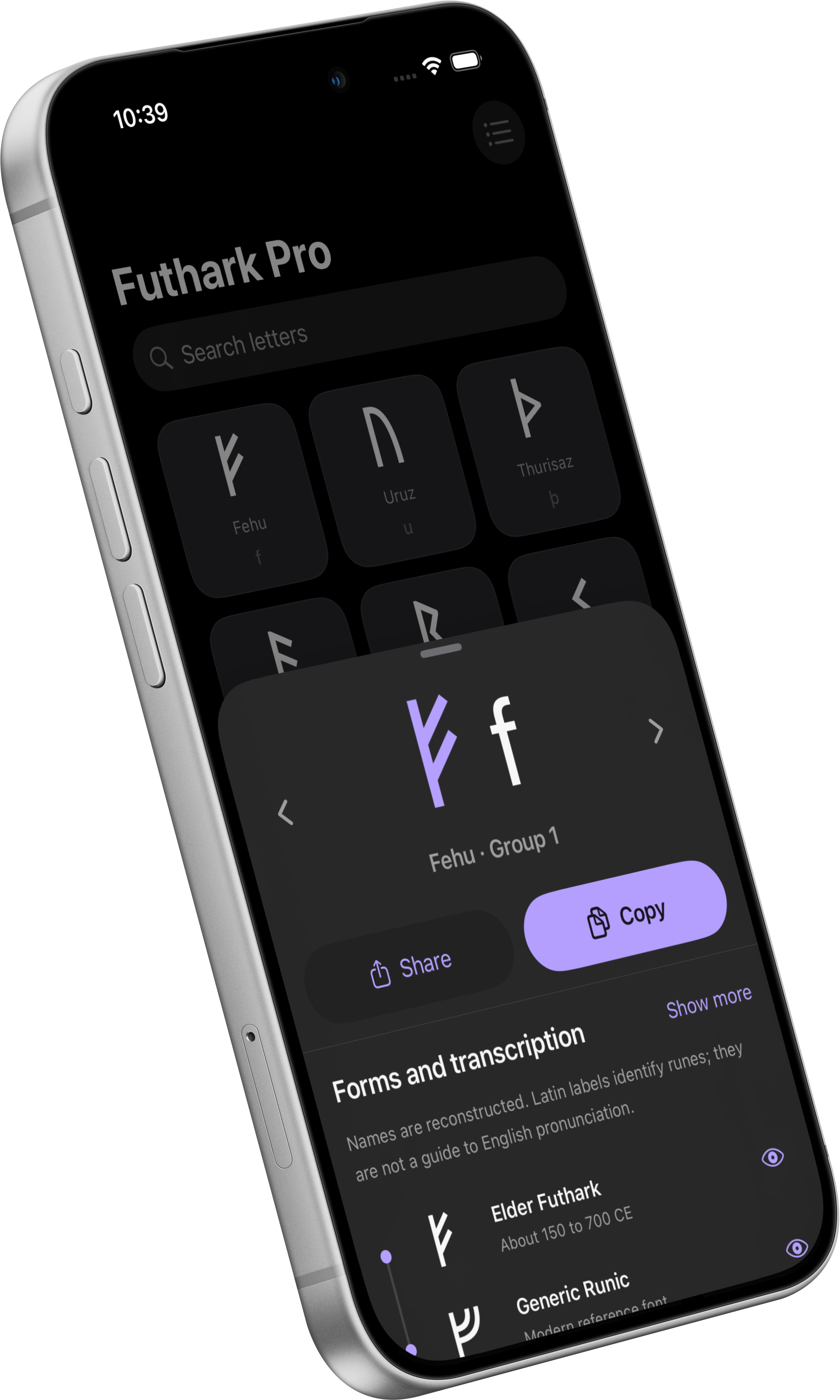
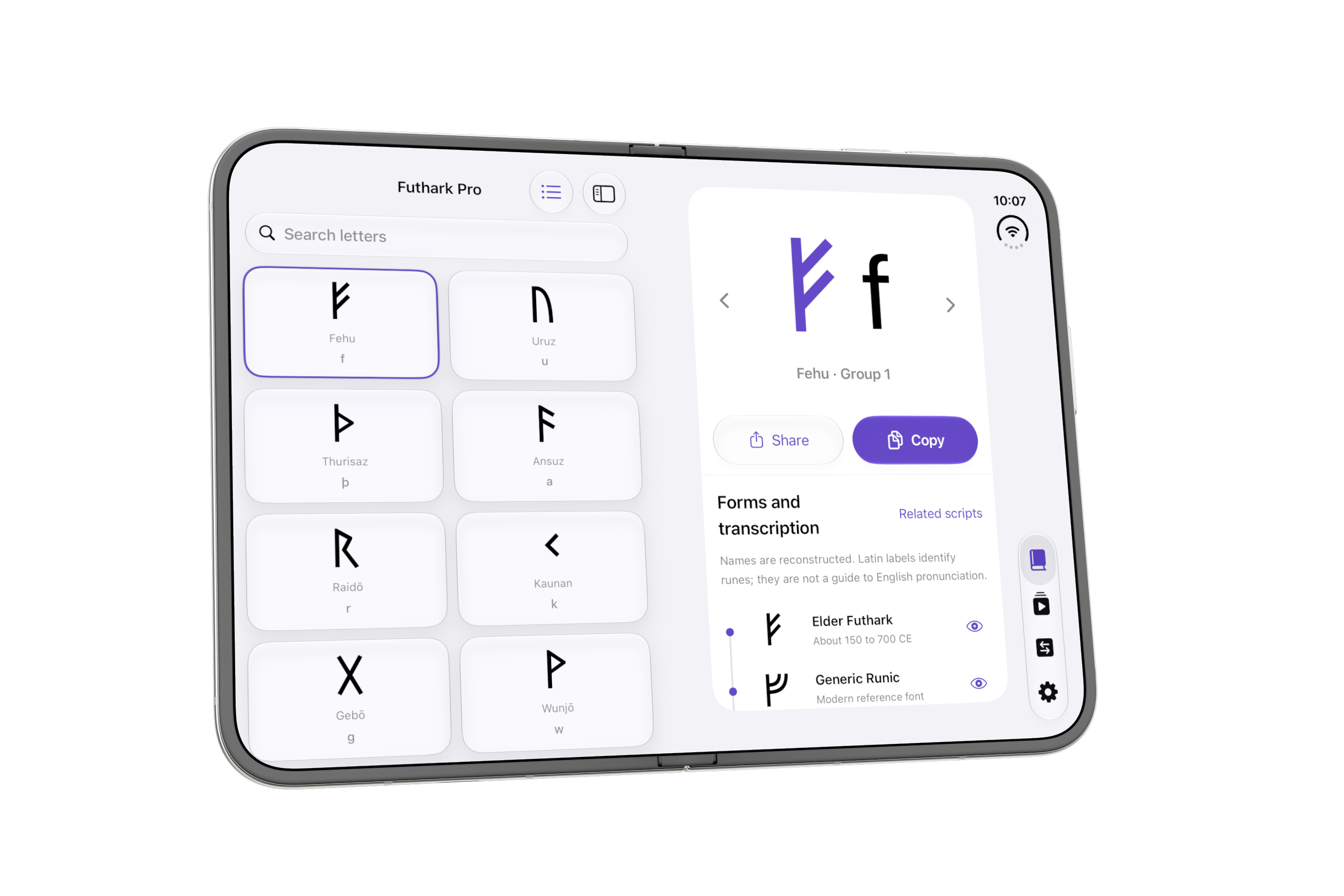
See each rune’s name and Latin letter match. Copy a rune to use it elsewhere, or share a card with a friend.
Start with eight runes. Once those feel familiar, try all 24, or have another go at the ones you missed.
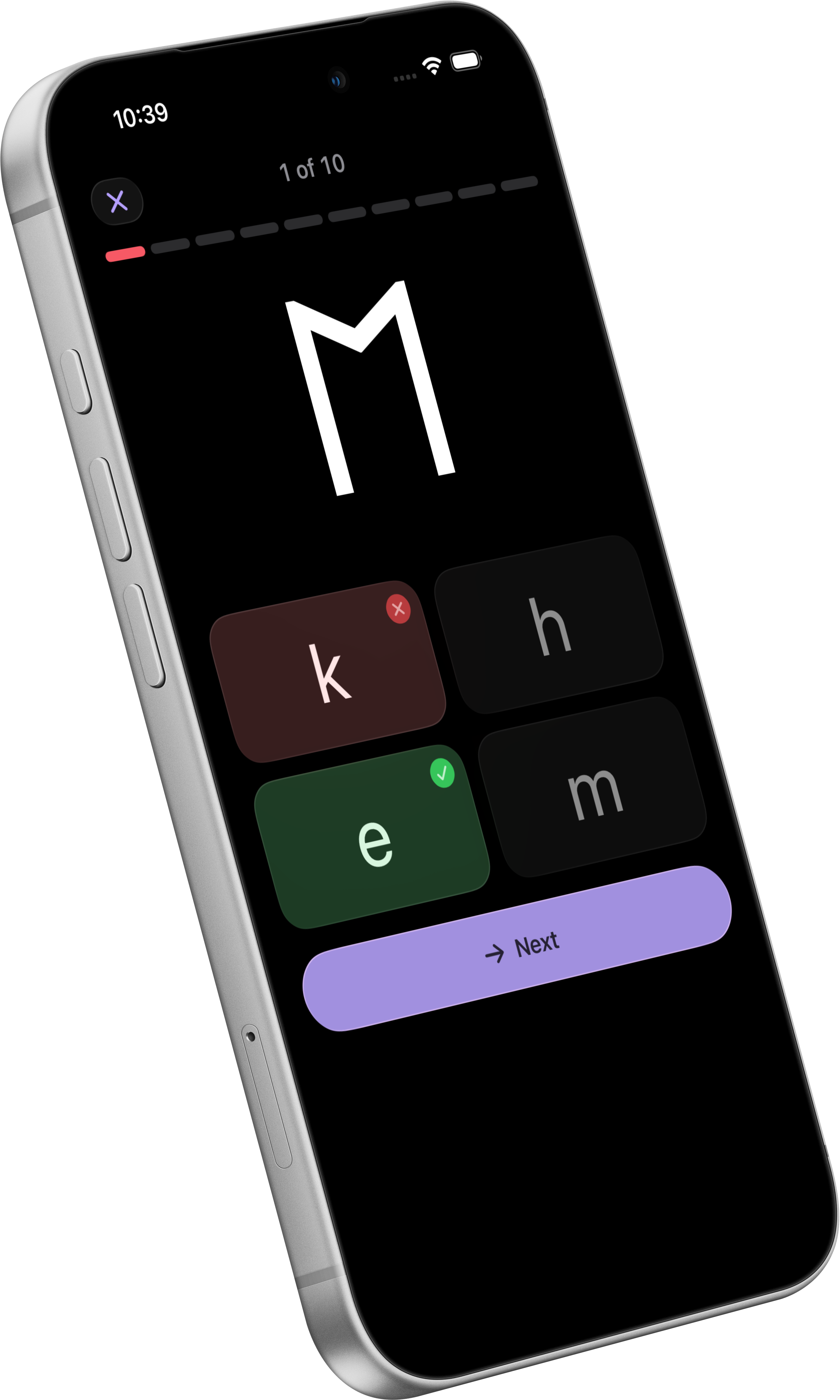
Sometimes you’ll see a rune. Sometimes you’ll see its Latin label. Take your time with each of the ten questions.
Take a closer look at real inscriptions, with museum photographs and sources you can follow. Some readings are still uncertain, and we’ll tell you when they are.
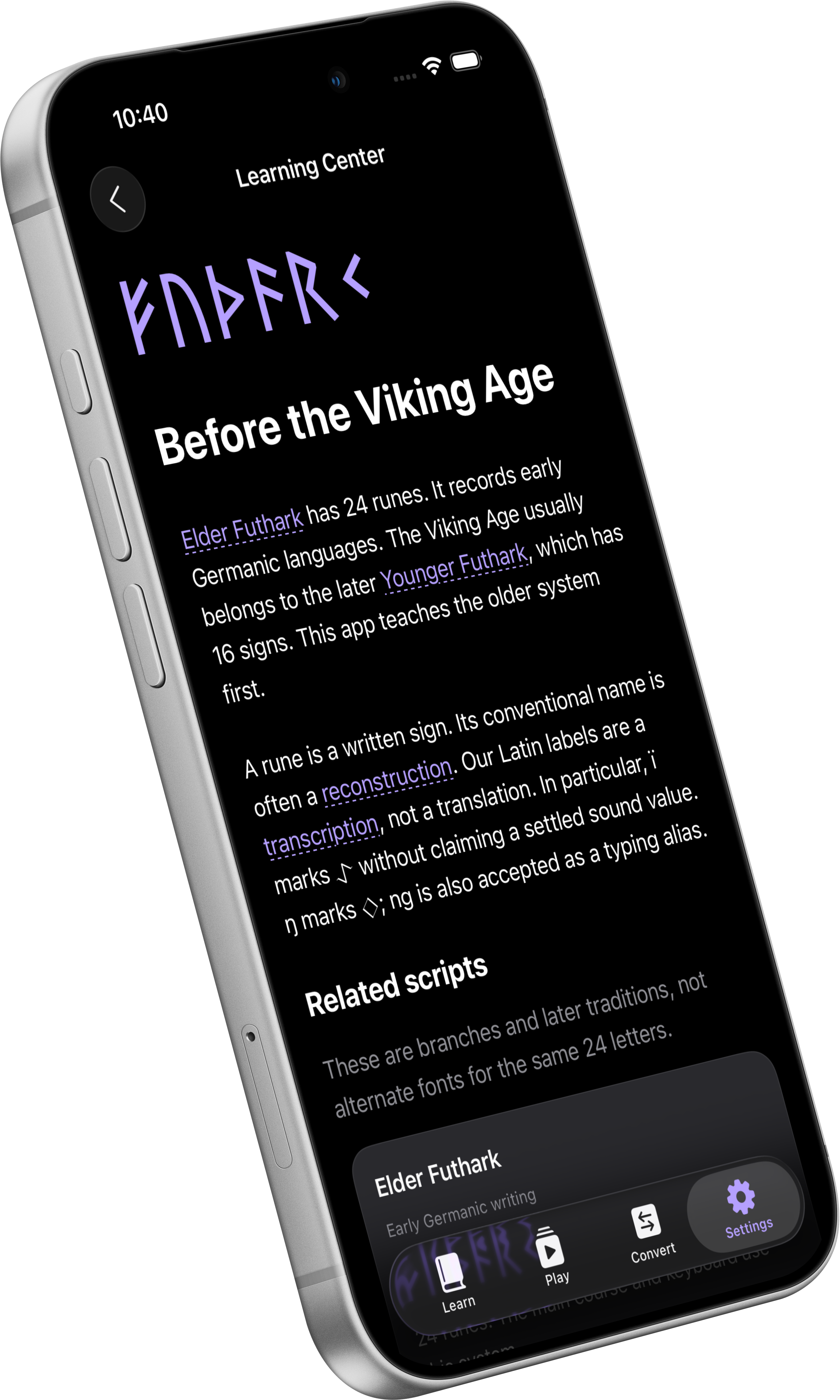
No. The converter changes letters into runes. If you write in English, the words stay in English. It doesn’t translate them into an ancient language.
You’re probably thinking of Younger Futhark, the later set of 16 runes usually used in Viking Age Scandinavia. Here, you’ll start with the older set of 24.
The characters actually stay the same! Sometimes, the receiving app can choose its own font.
The app includes a rune keyboard for Messages, Notes, and other apps. Here’s how to add it when you install Futhark Pro.
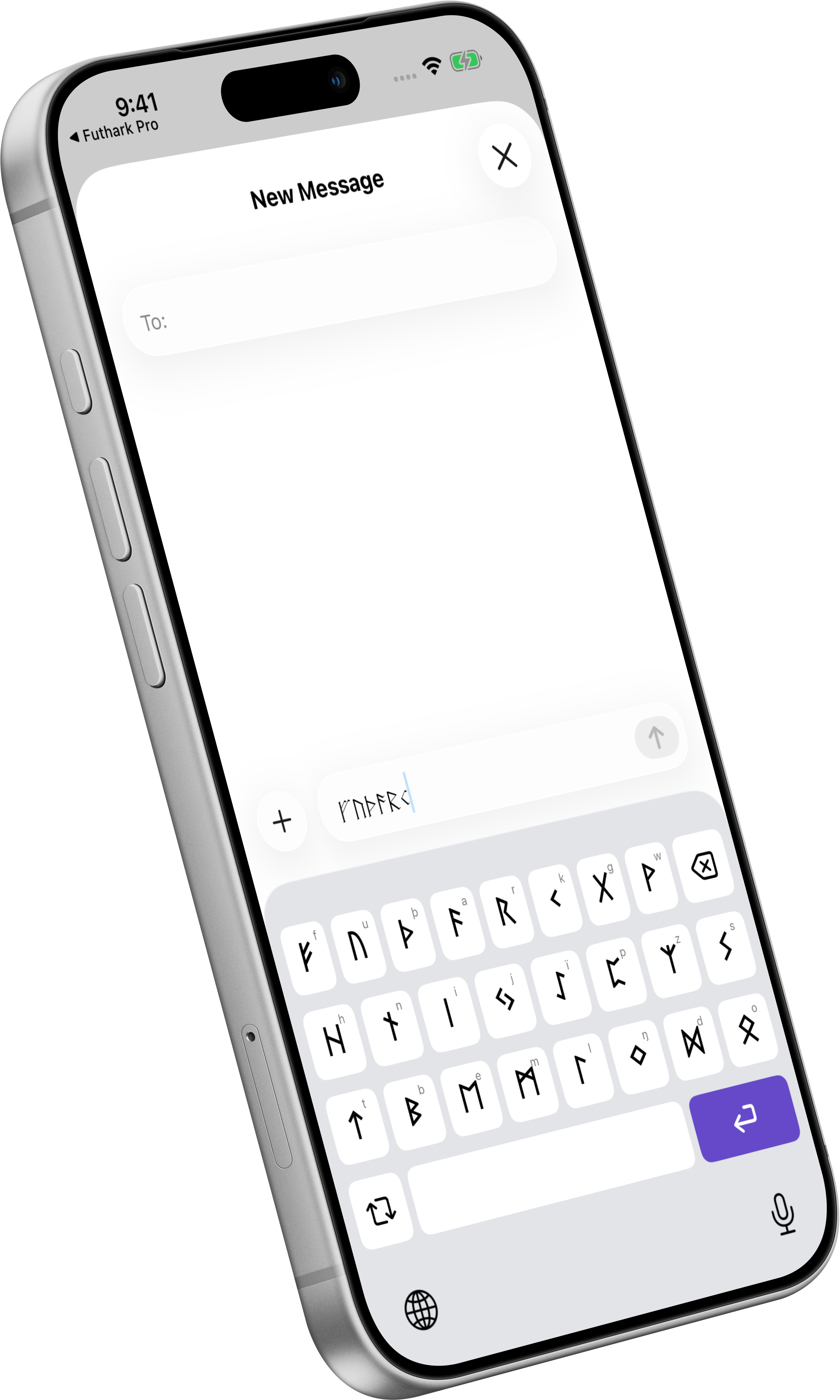
Preview the next update
Pick a rune on the left and take a closer look on the right. Here’s how Futhark Pro looks on iPhone Duo.
A home for every alphabet. Learn, practice, and type in scripts from the past.


Paleo Pro is available on the App Store. Futhark Pro is not available on the App Store yet.